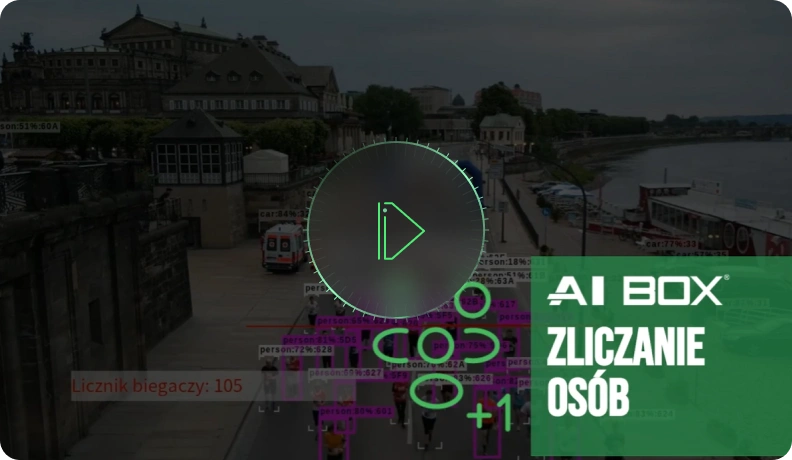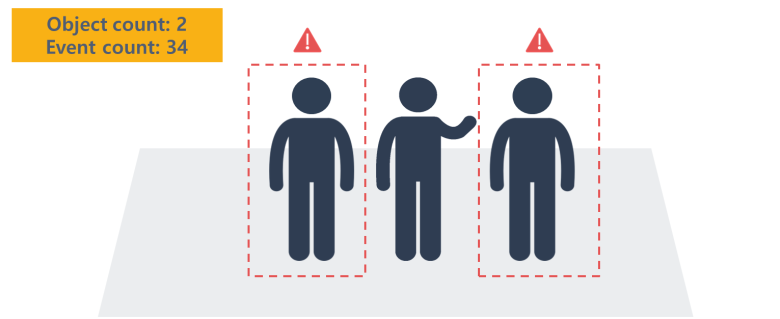
Configure multiple zones and monitor real-time occupancy. Events can be configured based on the number of people in the entire zone.
Configure multiple zones and precisely monitor real-time occupancy levels. The system enables event triggering based on the number of people present throughout the zone, allowing for customized responses to specific occupancy thresholds. This functionality is particularly useful for crowd management, security monitoring, and optimizing space utilization in various environments, such as commercial facilities, public transport hubs, or event venues.
Camera Installation Requirements and Minimum Object Size
Camera Installation Environment
- Indoor(O)
- Outdoor(O)
Supported Camera Type
- IP Camera(O)
- Fisheye camera (limited functionality)
- Thermal Camera (X)
Input Resolution
- Min. 640 x 360 ~ max. 4K
Input Frame Rate
- Min. 3 fps
Minimum size: 1280 x 720 resolution or higher
- ① Day
[Person] W 1.5%, H 4%
[Car] W 1.5%, H 2.5%
[Bicycle] W 2%, H 4% - ② Night
[Person] W 1.5%, H 4%
[Car] W 2.5%, H 4.5%
[Bicycle] W 3%, H 5%
Minimum size: from 640 x 360 to 1280 x 720 or smaller
- ① Day
[Person] W 2%, H 6%
[Car] W 2.5%, H 3.5%
[Bicycle] W 2%, H 4% - ② Night
[Person] W 2%, H 6%
[Car] W 3.5%, H 5.5%
[Bicycle] W 3%, H 5%
Fisheye Video
- [Person] W 3%, H 4%
Videos and tutorials