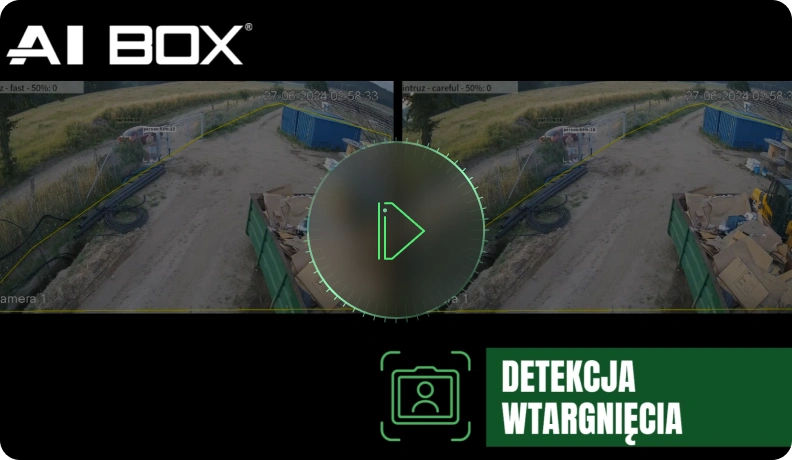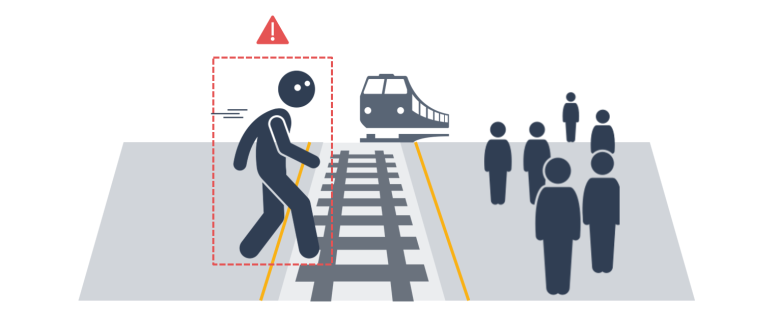
Detect people in restricted areas, send notifications, and configure other actions.
It detects intrusion into the monitored area and sends appropriate alerts. This application is designed for security monitoring, eliminating the need for 24/7 recording or constant real-time monitoring by an administrator. Instead, it sends immediate alerts in response to specific events, ensuring effective protection of key assets in buildings, perimeters, and restricted access areas, and enabling a rapid response to incidents. Detection targets can be configured for specific objects, such as a person, car, and bicycle. The application is designed to minimize false alarms by considering factors such as reflections from stationary objects, vibrations, and the influence of nearby objects. Additionally, even ambiguously shaped objects are detected, and a filtering process is applied to trigger only actual events, minimizing false alarms even in complex environments.
Camera Installation Requirements and Minimum Object Size
Camera Installation Environment
- Indoor(O)
- Outdoor(O)
Supported Camera Type
- IP Camera(O)
- Fisheye camera (limited functionality)
- Thermal Camera (X)
Input Resolution
- Min. 640 x 360 ~ max. 4K
Input Frame Rate
- Min. 3 fps
Minimum size: 1280 x 720 resolution or higher
- ① Day
[Person] At 1.5%, At 4%
[Car] At 1.5%, At 2.5%
[Bicycle] At 2%, At 4% - ② Night
[Person] At 1.5%, At 4%
[Car] At 2.5%, At 4.5%
[Bicycle] At 3%, At 5%
Minimum size: from 640 x 360 to 1280 x 720 or smaller
- ① Day
[Person] 2%, 6%
[Car] 2.5%, 3.5%
[Bicycle] 2%, 4% - ② Night
[Person] 2%, 6%
[Car] 3.5%, 5.5%
[Bicycle] 3%, 5%
Fisheye Video
- [Person] H 3%, W 4%
Videos and tutorials